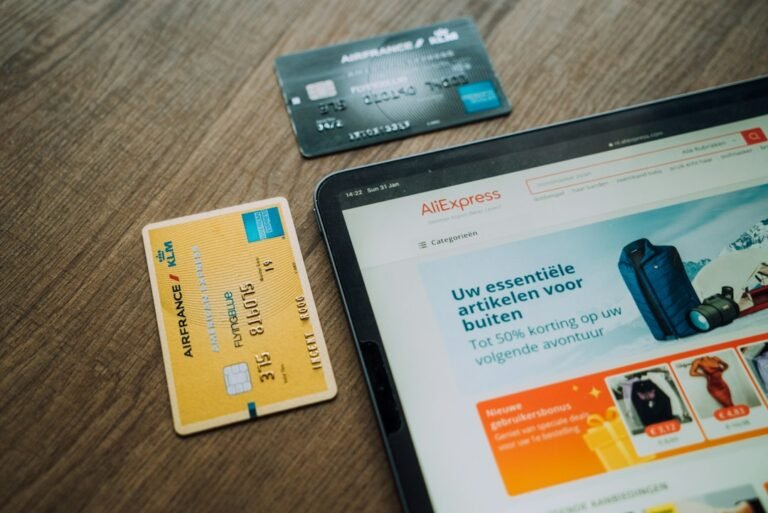
A checkout trust checklist is one of the highest-leverage things an e-commerce store can build, because most cart abandonment is not about price or shipping. It is about doubt. According to the Baymard Institute, the average documented cart abandonment rate sits around 70 percent, and unclear or untrustworthy checkout signals are consistently cited among the top reasons shoppers give up at the final step, alongside unexpected costs and forced account creation.
If a customer does not feel secure, they leave, and they rarely tell you why. There is no error message, no support ticket, no exit survey. The session just ends. That makes trust one of the few checkout problems you cannot diagnose from analytics alone. You have to design for it deliberately, before the drop-off happens, not after.
What actually belongs on a checkout trust checklist
A checkout trust checklist is a working list of the specific signals that make a stranger feel safe handing you their card details. In practice that means: a valid SSL certificate with no browser warnings, clearly stated security and payment badges, transparent pricing with no surprise costs revealed at the final step, visible contact and returns information, and interface copy that reads like a real business wrote it, not a generic template.
None of these are decorative. Each one removes a specific doubt a first-time buyer has, and together they are what separates a store that converts from one that quietly loses sales it never sees in a report. A store can have excellent traffic, a strong product, and competitive pricing, and still underperform badly if the checkout itself reads as untrustworthy in the last thirty seconds before payment.
Step-by-step method to build one
Start by auditing the checkout as if you were a first-time buyer who has never heard of the brand and has no reason to extend it trust. Walk the payment and shipping steps, the customer support and returns information, and the product page copy in that exact order, since that is the order a real buyer experiences them. Note every point where you personally would hesitate, even briefly.
Prioritise by severity, not by how easy each fix is. A missing SSL certificate, or one that triggers a browser warning, is a hard blocker and should be fixed immediately since it stops even trusting buyers cold. Vague payment options, buried contact details, and cluttered or inconsistent copy are next, since they raise doubt without stopping the process outright. Only once these fundamentals are solid does it make sense to layer on trust badges from providers such as Trustpilot or Trustwave. Badges compound trust that already exists in the checkout experience; they do not manufacture it from nothing, and a badge sitting next to a confusing or slow checkout will not save the sale.
A common pattern worth watching for
A pattern that shows up often when auditing stores with high cart abandonment: the SSL certificate is fine and the site looks secure at a glance, but payment options are not stated until the final step, customer support contact details are buried in a footer link three clicks deep, and the return policy is nowhere near the product page where a hesitant buyer would look for it. None of these are catastrophic individually. Together, they add up to a checkout that quietly asks for more trust than it has earned, one small withheld reassurance at a time.
The fix is rarely a redesign. It is usually a short, prioritised list of relocations and clarifications: surface payment logos earlier in the flow rather than only at the final screen, put support contact and returns policy where a buyer will actually see them before they need them rather than after, and keep checkout copy plain and specific rather than generic marketing language. These changes typically take a developer a few hours, not a sprint.
Applying it to your store
Review your own checkout the same way: identify the trust gaps, prioritise by how much doubt each one creates rather than by convenience, then fix the highest-severity issues first. Test the flow regularly, not just once after launch, since payment providers, plugins and themes change underneath a store more often than most owners notice, and a broken badge or an expired certificate can undo months of careful trust-building overnight. To see where your own checkout is leaking, run a free scan of your store and get a prioritised list instead of guessing where to start.
Common mistakes to avoid
- Treating the SSL certificate as optional, or as “something the developer handles eventually” rather than a launch-blocking requirement
- Testing checkout once at launch and never again, even after plugin, theme or payment-gateway updates
- Vague or inconsistent language between the product page and the checkout page, which reads as unprofessional even when the store is legitimate
- Burying support contact details instead of surfacing them near the payment step, where hesitation is highest
- Hiding payment options until the final screen instead of showing accepted methods upfront, near the add-to-cart button
Conclusion
A checkout trust checklist is not a nice-to-have polish item, and it is not primarily a design exercise. It is a direct, measurable lever on cart abandonment, and unlike traffic or ad spend, most of it costs nothing to fix once you know exactly where to look. Build the list once, prioritise ruthlessly by how much doubt each gap creates, and revisit it every time something upstream in your stack changes, since trust signals decay silently and nobody files a support ticket to tell you.
Audience Connect
We help online stores find and fix the money quietly leaking out of their checkout. These guides are part of that work. Want to see where your own store is leaking?
Scan your store free