The Problem of Conversion Leaks in Shopify Stores
Audit your Shopify store for conversion leaks is a critical task for any online store owner or operator who wants to maximize their sales from existing traffic. Conversion leaks refer to the points at which potential customers abandon their purchasing journey, resulting in lost revenue for the store. According to a study by the Baymard Institute, the average cart abandonment rate is around 69.57%, which translates to a significant loss of potential sales.
One of the main reasons for conversion leaks is a poorly optimized checkout process. A study by Google Search Central found that 27% of users abandon their carts due to a complicated checkout process. Therefore, it is essential to identify and fix any issues that may be causing conversion leaks in your Shopify store.
A Step-by-Step Method for Auditing Your Shopify Store
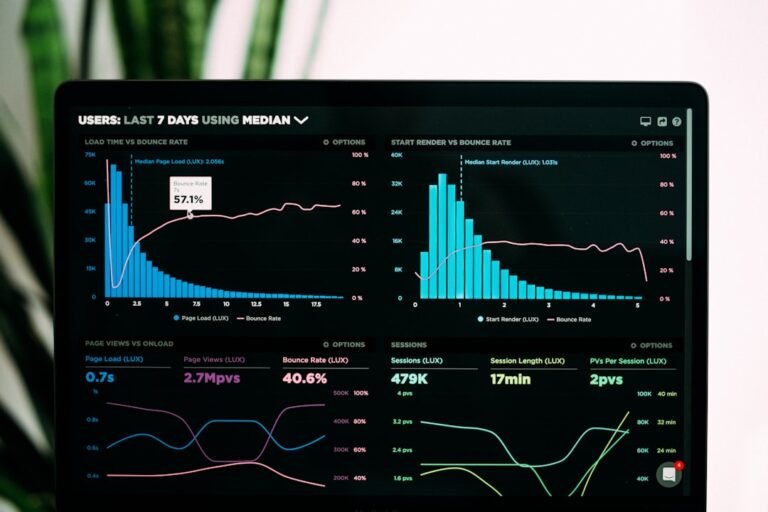
To audit your Shopify store for conversion leaks, you need to follow a step-by-step approach that involves analyzing your store’s data, identifying potential issues, and implementing fixes. The first step is to analyze your store’s Google Analytics data to identify the pages with the highest bounce rates and exit rates. You can use the Behavior Flow report in Google Analytics to visualize the user journey and identify any drop-off points.
The next step is to review your store’s checkout process and identify any potential issues that may be causing conversion leaks. This includes checking for any unnecessary fields, complicated payment options, or unclear shipping information. You should also check for any technical issues such as slow page loading speeds or broken links.
Another important step is to analyze your store’s product pages and identify any potential issues that may be causing conversion leaks. This includes checking for any unclear product descriptions, low-quality product images, or missing product reviews. You should also check for any technical issues such as slow page loading speeds or broken links.
Using Data to Identify Conversion Leaks
Data plays a critical role in identifying conversion leaks in your Shopify store. You can use tools such as Google Analytics to track user behavior and identify any drop-off points in the user journey. You can also use tools such as heat maps and session recordings to visualize user behavior and identify any potential issues.
For example, if you notice that a large number of users are dropping off at the payment stage, you may need to review your payment options and simplify the process. On the other hand, if you notice that a large number of users are dropping off at the product page, you may need to review your product descriptions and images and make sure they are clear and accurate.
A Worked Example of Auditing a Shopify Store for Conversion Leaks
Let’s consider a worked example of auditing a Shopify store for conversion leaks. Suppose we have an online store that sells outdoor gear and clothing. The store has a conversion rate of 2%, which is lower than the industry average. To audit the store for conversion leaks, we start by analyzing the Google Analytics data to identify the pages with the highest bounce rates and exit rates.
From the data, we notice that the checkout page has a bounce rate of 30%, which is higher than the industry average. We also notice that the product pages have a high exit rate, with 25% of users exiting the site from these pages. To fix these issues, we decide to simplify the checkout process by removing unnecessary fields and adding clear shipping information. We also decide to review the product descriptions and images and make sure they are clear and accurate.
After implementing these changes, we notice a significant improvement in the conversion rate, with an increase of 15% in sales. This example illustrates the importance of auditing your Shopify store for conversion leaks and implementing fixes to improve the user experience and increase sales.
How to Apply This Method to Your Own Shopify Store
To apply this method to your own Shopify store, you need to start by analyzing your store’s data to identify any potential conversion leaks. You can use tools such as Google Analytics to track user behavior and identify any drop-off points in the user journey. You should also review your store’s checkout process and product pages to identify any potential issues that may be causing conversion leaks.
Once you have identified any potential issues, you can start implementing fixes to improve the user experience and increase sales. This may involve simplifying the checkout process, reviewing product descriptions and images, and fixing any technical issues such as slow page loading speeds or broken links.
To get started, you can run a free scan of your store using a tool such as our free store scanner to identify any potential conversion leaks and get recommendations for improvement.
Common Mistakes to Avoid When Auditing Your Shopify Store
When auditing your Shopify store for conversion leaks, there are several common mistakes to avoid. One of the most common mistakes is not using data to inform your decisions. Without data, you may be making changes to your store that do not address the underlying issues causing conversion leaks.
Another common mistake is not testing your changes. Without testing, you may not know whether the changes you are making are actually improving the user experience and increasing sales. You should always test your changes using tools such as A/B testing to ensure that they are having the desired impact.
A third common mistake is not considering the user experience. The user experience is critical to converting users into customers. If your store is difficult to navigate or has a complicated checkout process, users are likely to abandon their purchasing journey and go elsewhere.
- Not using data to inform your decisions
- Not testing your changes
- Not considering the user experience
By avoiding these common mistakes, you can ensure that your audit of your Shopify store for conversion leaks is effective and leads to increased sales and revenue.
Audience Connect
We help online stores find and fix the money quietly leaking out of their checkout. These guides are part of that work. Want to see where your own store is leaking?
Scan your store free